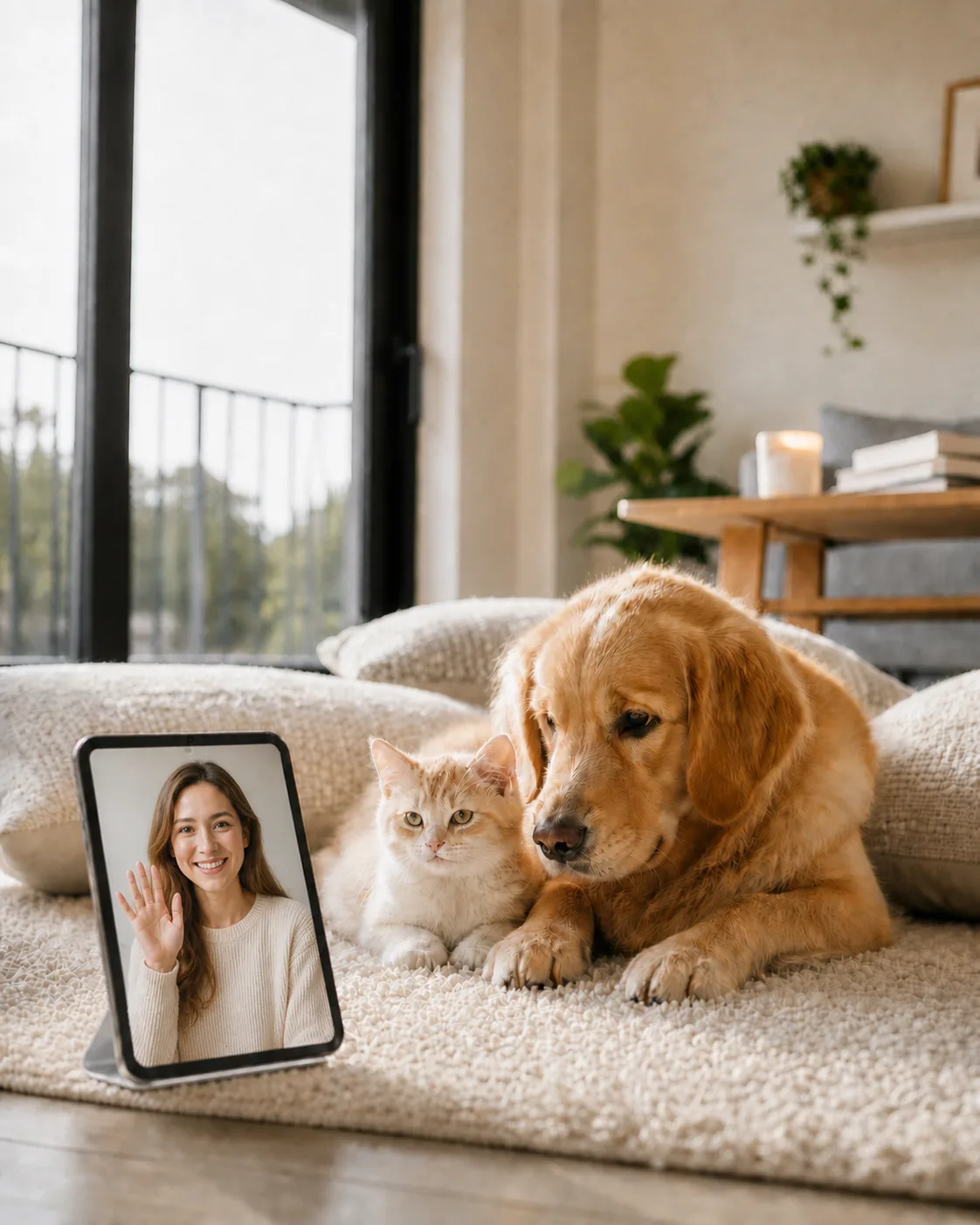
Video call your pet at home, anytime.
Turn an iPad or spare phone into a pet camera. Check in, talk, and interact on video—and let your pet see you, too.
Turn a spare phone or iPad into a pet camera · No sign-up · Recordings saved locally
Download Call Pet
Download
Joined by 16,000+ pet parents



Three steps to private care
No sign-up required. Security is our priority.
-
1
Use a home device as the Monitor
Choose a compatible iPhone, iPad, or Android phone and place it where your pet spends time.
-
2
Scan once to connect
Use your phone to scan the QR code on the home device and complete encrypted pairing in seconds.
-
3
Watch anytime, anywhere
At work or on the street, open the app and your pet is right there.
Built for pets and for you
We built the features pet parents actually need to stay connected with their pets.
-
Auto answer
Video starts silently. If it is sleeping, it is not disturbed.
-
A remote head pat
Two-way video calls. When your pet feels lonely, you can comfort them and spend some quality time together.
-
Capture every moment
Switch cameras and turn on the flash remotely. Even at night, see their sleep.
-
Optimized for ongoing monitoring
Smart dark-screen standby reduces heat and battery drain.
-
Reconnect on its own
Elevator or basement dropouts? The app reconnects automatically.
-
No login needed
No account sign-up. Scan to pair and start using right away.
Product facts
Last verified: 2026-11-01
- Audio and video use encrypted WebRTC transport. Call Pet prefers a direct device path; restricted networks may use TURN to relay encrypted media packets.
- TURN relays do not hold media decryption keys; X25519 and AES-256-GCM protect signaling and control messages.
- The Apple 1.7.0 release adds optional 24/7 recording and playback, with recordings stored locally on the Monitor device. Call Pet does not provide cloud video recording or storage. Manual Controller recordings are a separate local recording mode. Recording options depend on the installed build, device and plan; the earlier camera-only app and full app are different distributions.
- The Monitor displays the pairing QR code and the Controller scans it. iPhone, iPad and the full Android app support both roles; the earlier app still works only as a camera.
- Current Apple release: 1.7.1; requires iOS/iPadOS 15.0+. Supports two-way video, pet interaction, multi-viewer, and compatible ultra-wide cameras; some features require Pro or device support.
Free basic monitoring, optional Pro
Download for free. Basic monitoring is free; Pro unlocks premium features and membership benefits can also be earned through tasks.
Download the App
Use two devices: one at home as the Monitor and one with you as the Controller.
Android
Download for AndroidIf you use the earlier app with camera functionality only, download an update below.
About installing the full app
If you install the full app on the same device, remember to scan the pairing QR code again.
Download update
Scan with an Android phone to download
Frequently asked questions
Quick answers about privacy, setup, and devices.
Where are my recordings saved?
Enable recording to save videos on your home device and watch them back in Call Pet. Call Pet doesn't store your recordings in the cloud.
What phones can I use?
iPhone, iPad and the full Android app support both Controller and Monitor roles, including Android-to-Android setups. The earlier app still works only as a camera.
Is setup complicated?
Not at all. Scan a QR code to pair devices—no account or password required.